
DataCollector
DataCollector records RFID and temperature scans from AnyCage Lite, AnyCage+, URC-500, and most other UID readers into timestamped CSV files. Every run produces a rolling CSV that's ready to analyze.
- RFID + temperature
- CSV Output
Every Active Session on One Screen
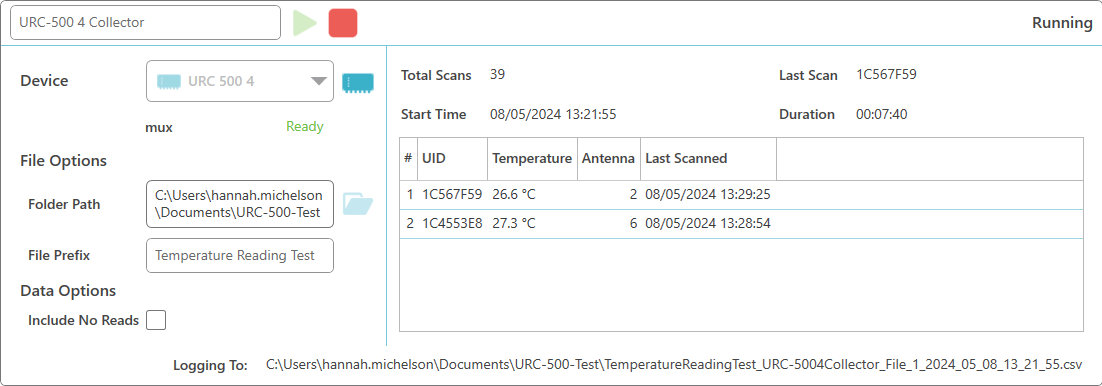
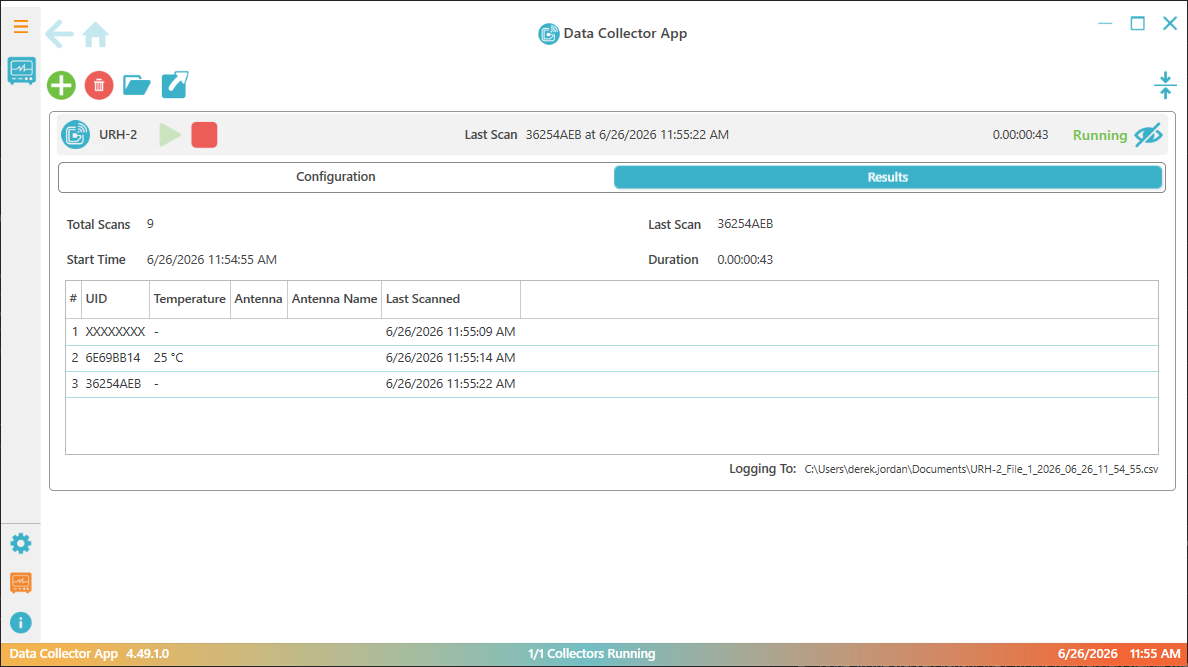
Each reader session is a live card: status, last scan, duration, total scans, and the current output file. Expand the ones you're watching and collapse the rest, so the reader session that matters stays front and center.
- Live session cards Reader status, last scan, duration, and total scans for every active session.
- Named sessions Each session keeps its reader, polling interval, no-read setting, and output folder together.
- Tunable polling Set the delay between read cycles per session: continuous, or a fixed interval.
- File status The current CSV and its auto-roll progress stay visible while collection is active.
- Connection watch Reader connection-state changes are logged.
- 500,000 Rows per CSV before auto-roll
What a Standard License Covers
The essentials for reader-driven studies: configure readers, collect scans, monitor status, and save files that are ready to analyze.
- Concurrent readers Run up to 4 sessions at once on one workstation; an unlimited device license scales to as many sessions as you need.
- Tunable polling 0 to 3600 seconds between read cycles: continuous reads or scheduled sweeps.
- Organized from record one Name each session and pick its output folder before starting.
- Full row metadata Every scan row has a timestamp, UID, antenna number and name, tag data, elapsed seconds, and temperature.
- Auto-rolling CSV Files roll at 500,000 rows so long sessions stay manageable in a spreadsheet.
- Session summary Start and stop times, polling interval, device details, totals, no-read count, file list, and connection history.
- Optional no-read sweeps Log empty sweeps when the protocol calls for them; leave them out when it doesn't.
- No server dependency Collect locally on the workstation, no integrator, no cloud requirement.
Have a Look Around DataCollector
The three screens you'll spend your time in: live data collection, device management, and session setup.
Every active session: status, scan table, and the file it's writing to.
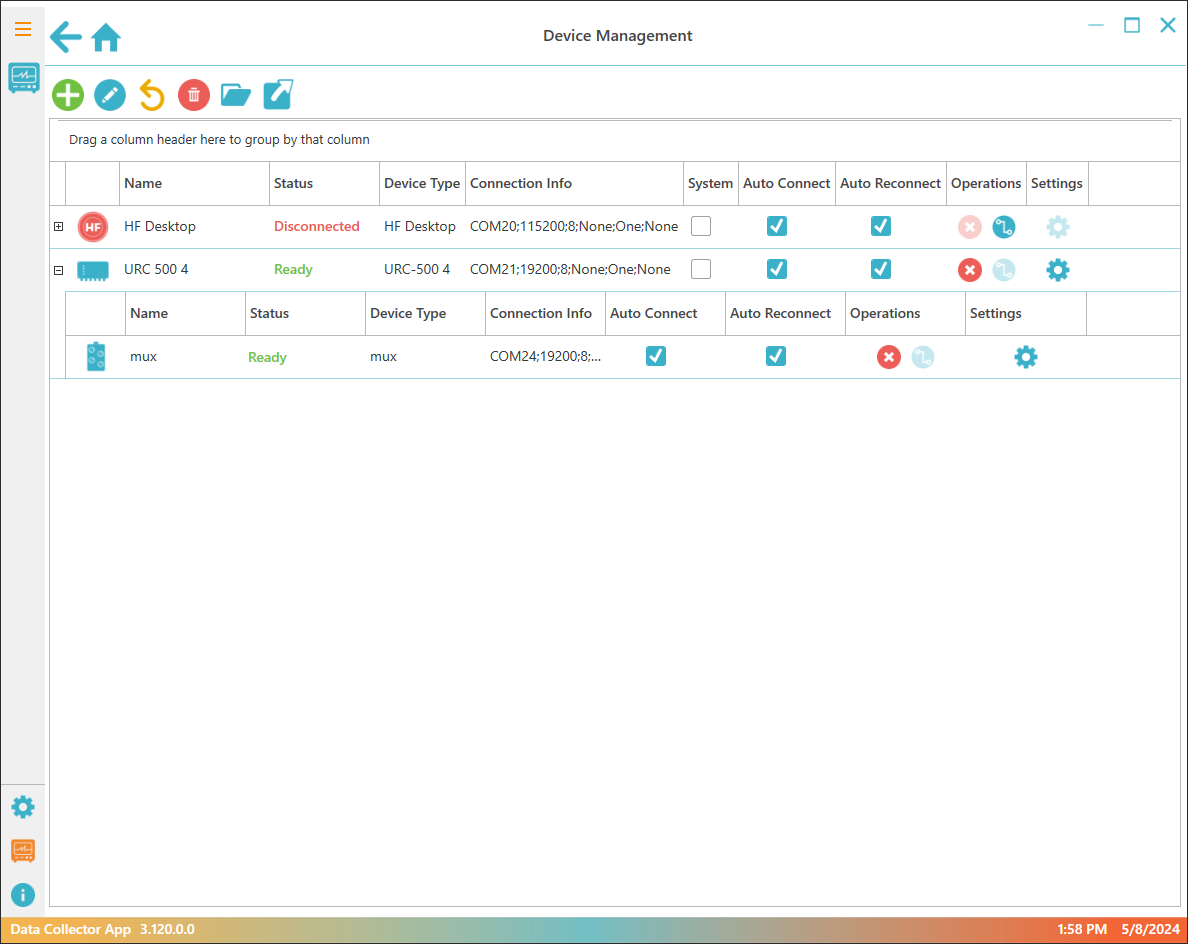
Add readers over USB or TCP, and set them to auto-connect and auto-reconnect.
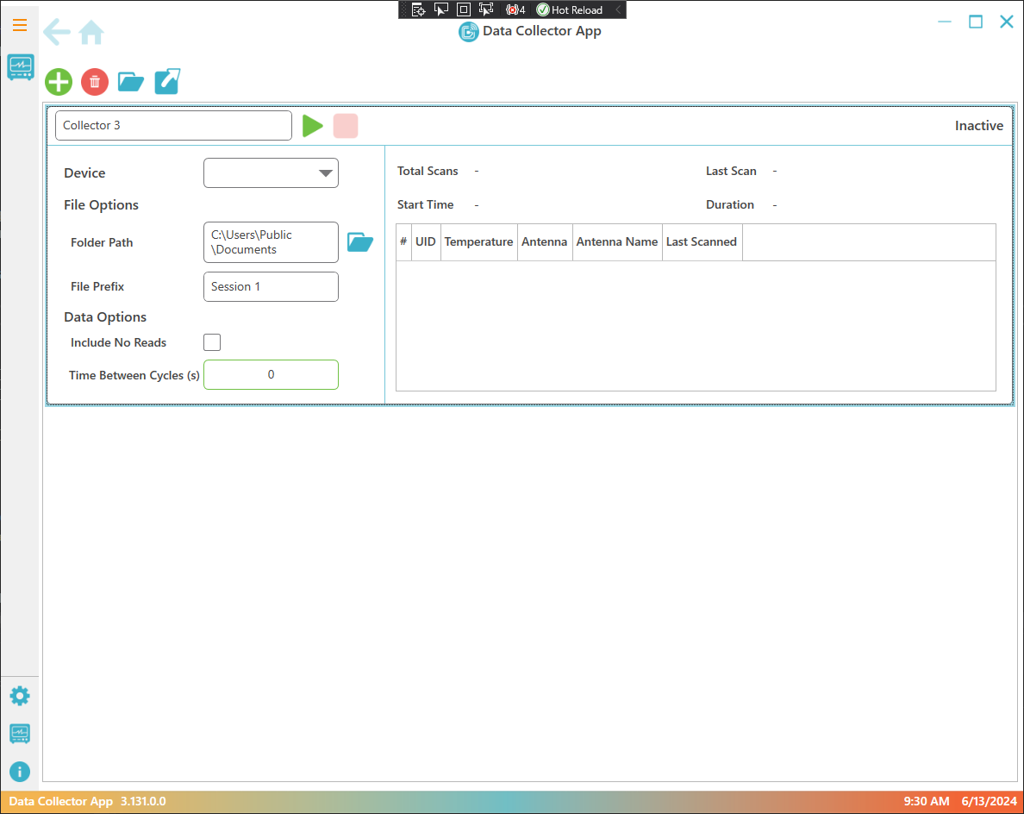
Name the session, set its output folder, and tune the polling cycle from 0 to 3600 seconds.
The columns on screen are the columns in the file.
What's in the CSV Files
Each session exports a clean CSV that's ready to use as-is. Import it straight into a LIMS, Excel, or VivoTraq.
- One row per scan — Timestamp, UID, temperature, antenna number and name, tag data, and elapsed seconds, in fixed columns.
- Rolls on its own — A file closes at 500,000 rows and the next one opens, so a long study never lands in one unmanageable file.
Every Session Follows the Same Four Steps
This pipeline is the whole mental model, and the collector dashboard shows it live while a session collects.
-
Connect
Pick a UID reader over USB or TCP. One reader connects per collector session, and several sessions run at once. An unlimited device license can scale further.
-
Name the Session
Each session gets its own name, output folder, and polling cycle: continuous reads or scheduled sweeps anywhere from 0 to 3600 seconds apart. Turn on no-read sweeps when the protocol calls for them.
-
Collect
Live session cards show status, last scan, duration, and total scans for every active session. The CSV rolls over automatically at 500,000 rows, so a long session stays manageable in a spreadsheet.
-
Take the Files
Every session produces a rolling CSV ready for a spreadsheet, a LIMS, or CSV import into VivoTraq.
Local Collection and Cloud Review Serve Different Parts of the Same Study
DataCollector records scans from your readers straight to CSV files. VivoTraq turns those scans into dashboards, temperature analytics, alerts, and an audit trail. Many studies use both: DataCollector captures the raw data, and VivoTraq is where the team reviews and acts on it.
| Feature | DataCollector Desktop · Reader scan files | VivoTraq Cloud · Dashboards, alerts, analytics |
|---|---|---|
| Runs on | Windows desktop | Any browser, cloud-hosted |
| Primary role | Record scans, write files | Real-time monitoring & analysis |
| Session setup | Named sessions with per-session output folders | Not available |
| Export | Simple CSV files | Comprehensive Excel export |
| Real-time dashboards | Local session view | Cloud dashboards, viewable from anywhere |
| Automated alerts | Not available | Real-time alerts |
| Multi-site | Not available | Monitor multiple sites simultaneously |
| Ideal for | Pilot studies, simple data collection | Ongoing monitoring, real-time alerts |
Specifications
Perpetual License, No Subscription Required
Pay once and the license is yours. A standard license covers one workstation and up to four readers. If you need more readers than that, ask about the unlimited device license.
-
Most popular
Standard workstation license
$500One workstation, up to four readers
- Up to 4 concurrent reader sessions
- Signed Windows installer with USB and serial drivers
- Rolling CSV scan files with full row metadata
- Named sessions with per-session output folders
- Single-instance safeguard
-
Unlimited device license
Contact UIDWhen you need more than four readers per workstation
- Unlimited concurrent reader sessions
- Everything in the standard license
You'll Likely Also Need
-
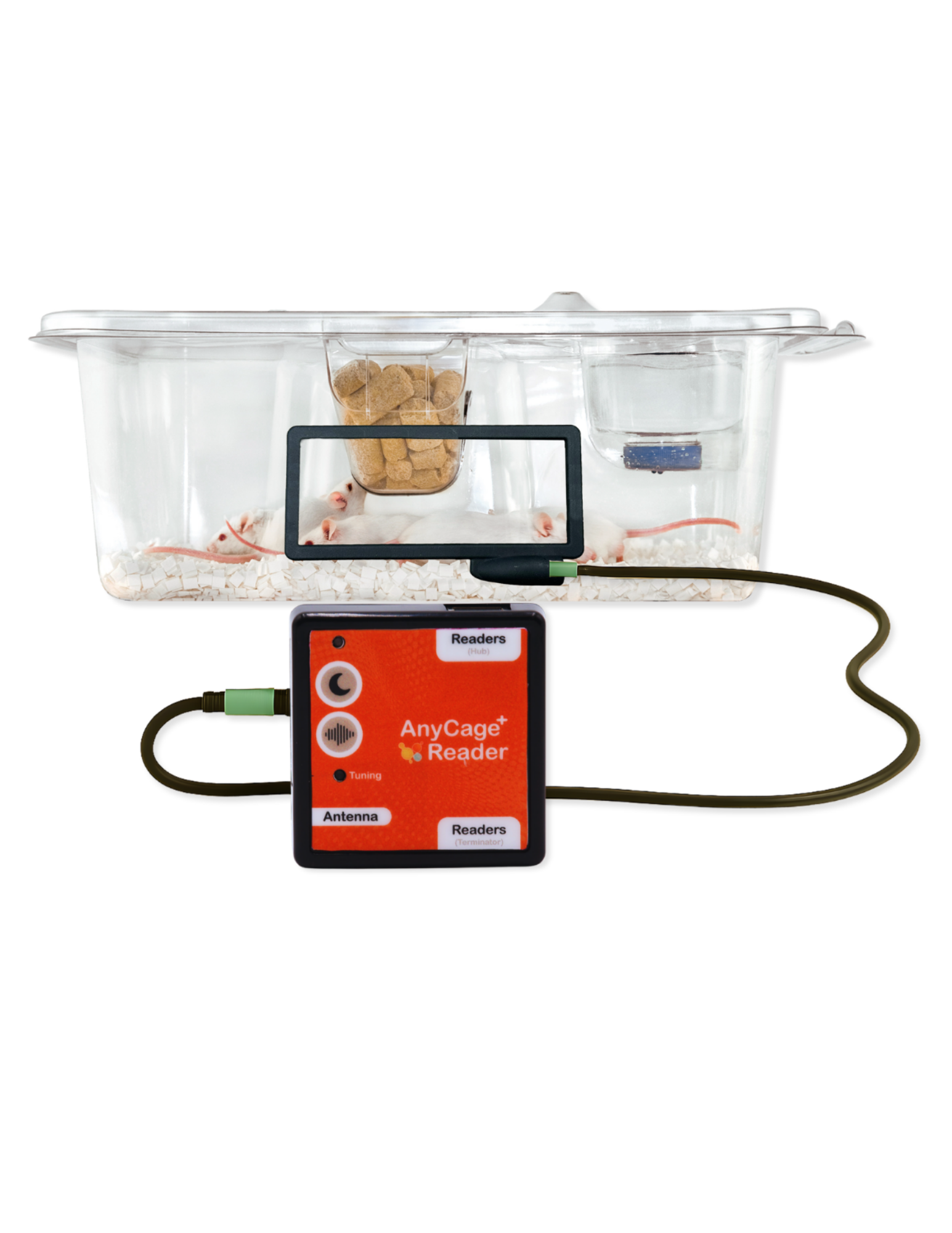 Home cage monitoring
AnyCage+
- Rack-scale
- Continuous
- Temperature
Continuous, per-animal temperature monitoring for reduced handling and improved animal welfare. Up to 96 cages per controller.
View AnyCage+ -
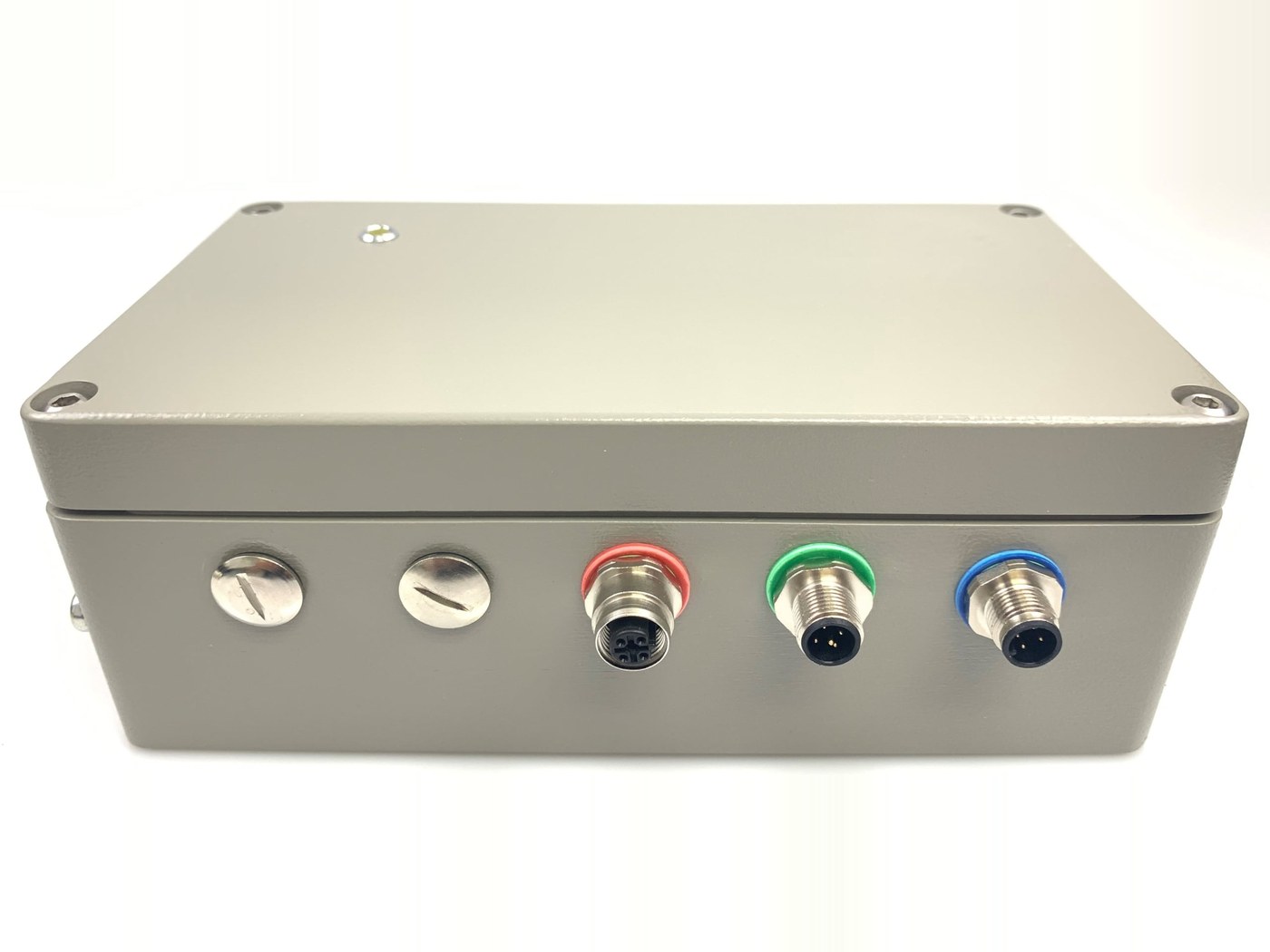 High Power Desktop
URC-500 High Power Console Reader
- High Power
- 8"+ Read Range
Our highest power option for rugged deployments and high read range requirements.
View URC-500 -
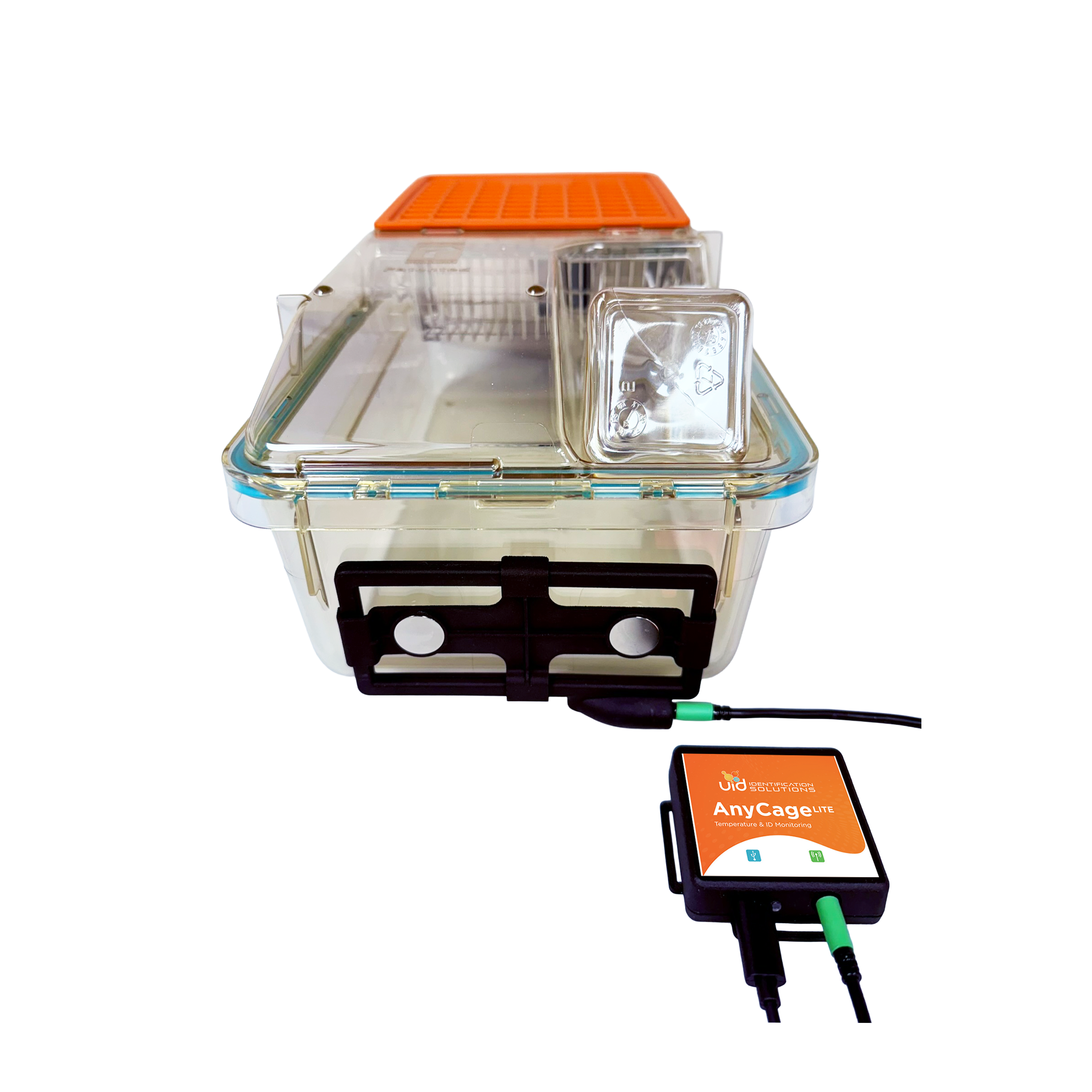 Home cage monitoring
AnyCage Lite Starter Kit
- 4 Readers
- 24 Tags
The home cage monitoring starter kit for AnyCage Lite. Includes everything needed to start monitoring animals in the home cage.
View Starter Kit -
 Temperature
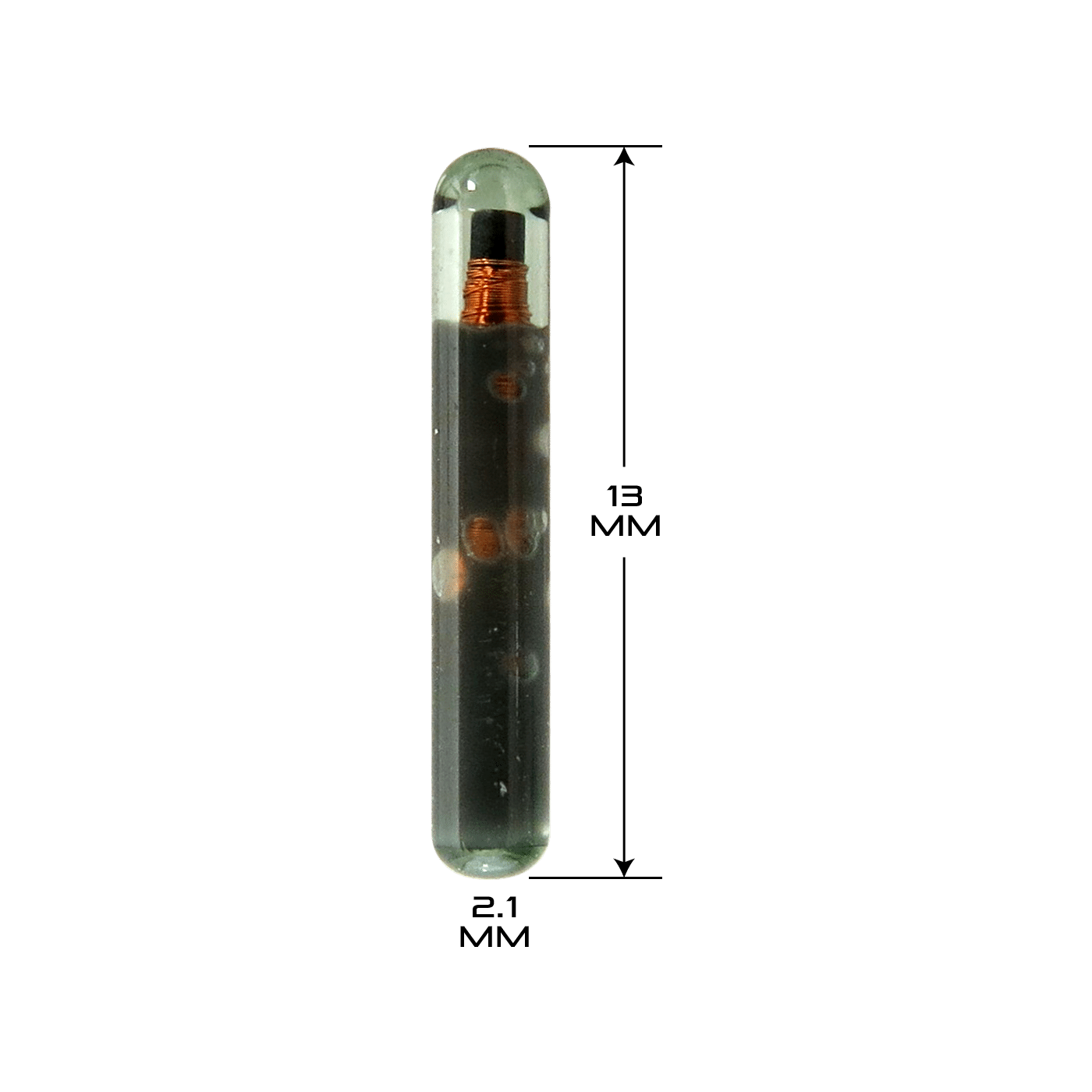
UCT-2112 Temperature Microchip
- Unique ID
- Temperature
- 12.5G
2.1 × 13 mm with a ±0.1 °C temperature sensor. Returns ID and core temperature on the same scan.
View UCT-2112
Common Questions
-
How is DataCollector licensed, and what does it cost?
DataCollector is licensed per workstation. A standard license is $500 and runs up to four readers. An unlimited device license lifts that cap; contact UID for a quote.
-
Which readers does DataCollector support?
DataCollector works with AnyCage Lite and AnyCage+ controllers, the URC-500-1 and the multiplexed URC-500-4, the UDT-100L desktop reader, URH handhelds, and UID base stations and provisioning stations. A Generic UID Reader profile covers hardware not on that list. If you have questions about a particular reader, contact us and we'll confirm compatibility.
-
What does a completed session produce?
A rolling CSV (auto-rolled at 500,000 rows) with timestamp, UID, optional temperature, antenna number, antenna name, tag data, and elapsed seconds for every scan, plus a session summary covering start and stop times, polling interval, device name and type, total data points, no-read count, generated file list, and reader connection-state history.
-
Does DataCollector need a server or an internet connection?
No. DataCollector collects locally on the workstation with no server dependency. The signed installer includes the USB and serial drivers, so readers plug straight in. If the study needs cloud dashboards and alerts, VivoTraq is the recommended product.
Find the Right Setup for Your Study
Tell us which readers you're running and we'll map the right DataCollector setup.