
Your LIMS Already Knows How to Read a UID Scan
Plug in a UID reader and the data lands in whatever software has focus, the same way a barcode scanner types. When your data team wants the raw stream, deeper paths are there too.
- No driver install needed
- Types like a barcode scanner
- CSV for batch pipelines
The LIMS and Study-Management Platforms Research Teams Already Run













What a Permanent ID Plugged into Your LIMS Changes
- Reliable ID A permanent microchip ID replaces ear tags and tattoos, so animals don't get mixed up across large cohorts.
- No retyping Paired with a UID reader, each scan enters your LIMS on its own, cutting out the transcription step.
- Reproducible data One identity follows every measurement across time points and conditions, so your results hold up when the analysis is done.
- Less handling Chip-based reads support body-temperature and activity capture without extra hassle, keeping stress down and welfare up.
- Audit ready Readers and chips are designed to keep secure, traceable records, including those mandated for GLP-compliant studies.
- Faster throughput Identify and log animals instantly at cage-side, speeding census counts in high-volume studies.
- Fewer repeats Fewer misreads and missing animals in the dataset mean fewer repeated measurements and less time spent reconciling records.
The Read Lands like a Barcode Scan
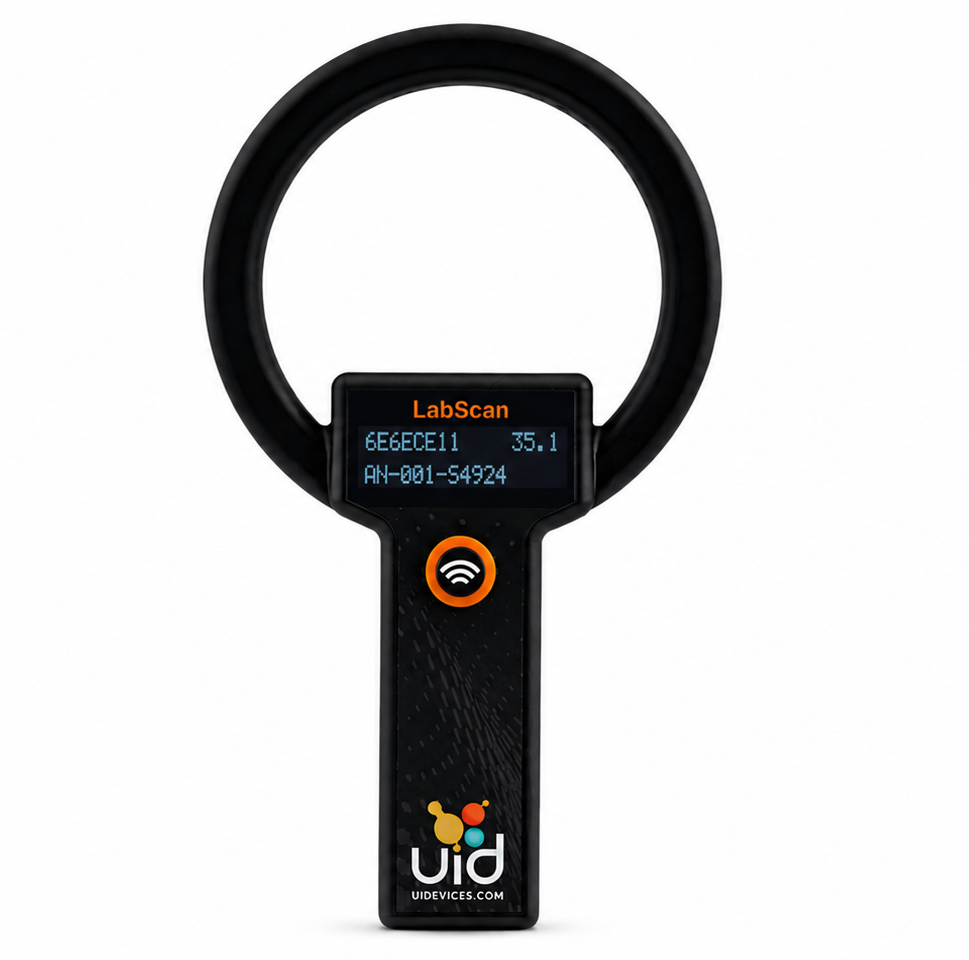
Most UID readers plug in over USB and work like a keyboard. Scan the animal and its ID appears wherever your cursor is. There's no middleware to install and no integration project to schedule.
- Nothing to install — the reader types the read into the focused field, the same way a barcode scanner does.
- Works where you already work — covers LIMS, ELN, Excel, Access, and most lab software without any driver needed.
- Raw data when you need it — the URH-2 and UBS-200L also offer serial output, so your data team can read the scan stream directly instead of catching keystrokes.
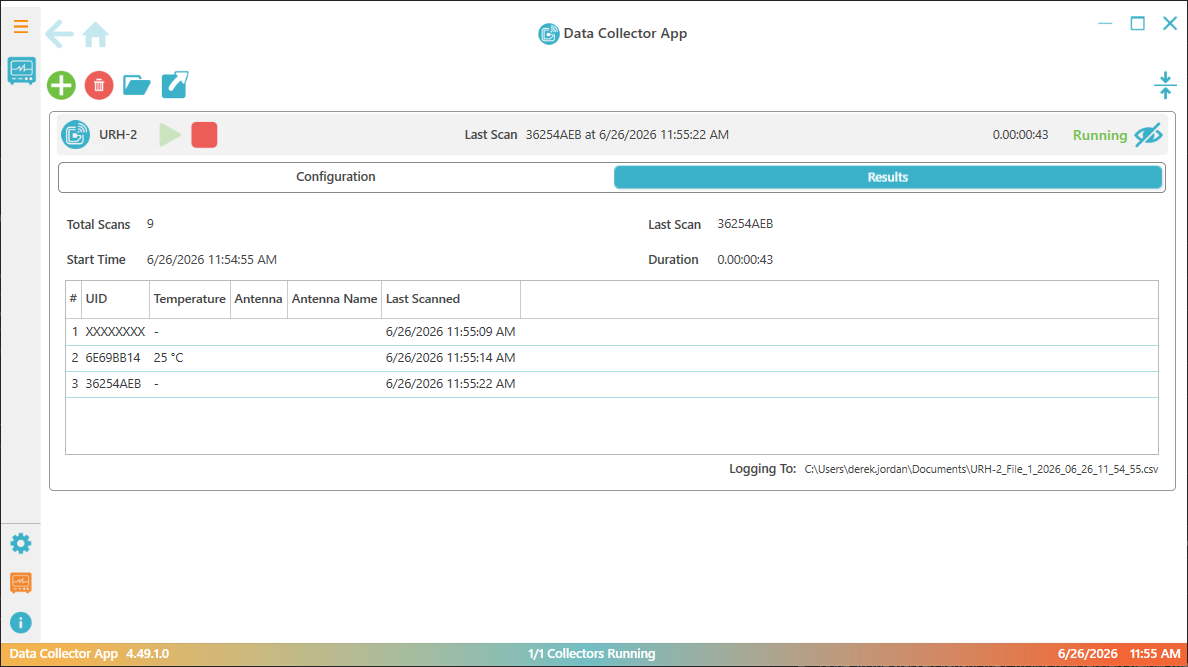
- Files for batch work — DataCollector records each session to a CSV your team can analyze or import into your LIMS later.
How the Data Reaches Your Software
Pick the path that fits how your team already captures data. Most sites start with the first and never need the others.
-
1. HID keyboard
The default on most UID readers, and the only path most teams need. Plug in over USB and each scan lands wherever your cursor is: your LIMS, an ELN, Excel, Access, or other lab software.
-
2. Serial output
For LIMS teams who want the raw read. Serial output on the URH-2 handheld and UBS-200L basestation hands your data team the scan stream to parse directly, instead of catching keystrokes in a focused field.
-
3. File-based CSV
For batch and pipeline work. DataCollector writes a rolling CSV for every session; PiSuite exports animal records and measurements. Those files open in Excel or feed into your LIMS.
Readers and Software That Drop In
-
 Handheld reader
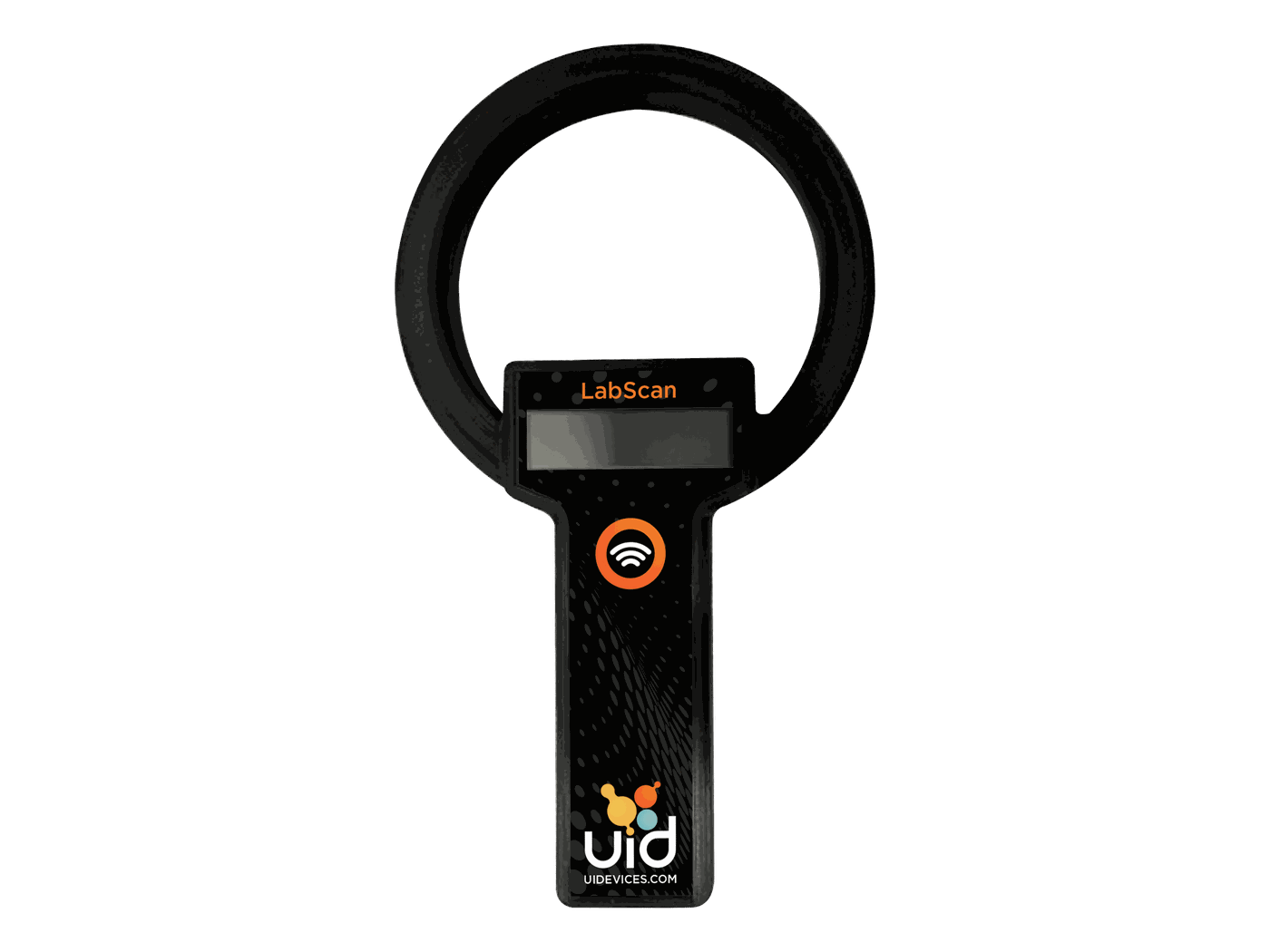
URH-2 Handheld Reader
- Small Animals
- 3" Read Range
Rechargeable handheld reader. Lightweight and easy to use with full LIMS compatibility.
View URH-2 -
 Base Station
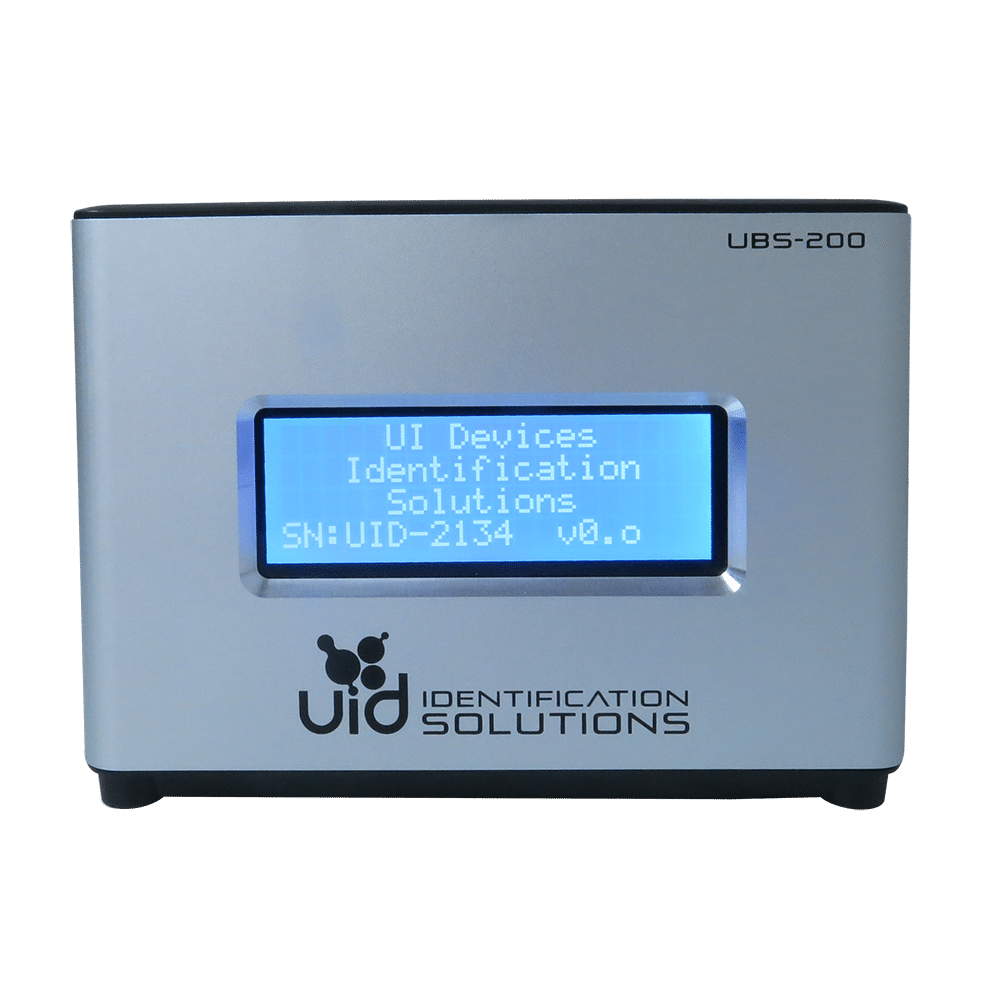
UBS-200L Base Station Reader
- 4–8 cm range
- Provisioning
High-powered base station reader that also programs microchips via the PiSuite Provisioning Software. 4–8 cm read range and two switchable antenna ports.
View UBS-200L -
 Research data collection software
DataCollector
- Continuous logging
- Direct-to-CSV
Automated scan capture for reader-driven studies. Connects to UID readers over USB, serial, or TCP. Logs timestamped ID and temperature reads to the session. Writes to a rolling CSV ready for analysis.
View DataCollector
Common Questions
-
Will it work with our LIMS?
Yes — most likely with no setup at all. Most UID readers default to HID keyboard output, so a scan drops into whichever field has focus, the same way a barcode scanner types. That covers LIMS, ELN, Excel, Access, and most lab software without any driver needed. Teams run our readers and software alongside platforms like Benchling, Provantis, Pristima, LabWare, and plain Microsoft Excel.
-
Do we need to install drivers?
No, for the common path. Over USB the reader presents as a keyboard, so the read lands in the focused field with nothing to install. If your LIMS team would rather have raw serial output, the URH-2 and UBS-200L carry it — ask us before you order.
-
Can our LIMS team parse the data directly?
Yes. The URH-2 and UBS-200L offer serial output, so your data team can read and parse the scan stream directly instead of catching keystrokes. Tell us which reader you're planning on and we'll confirm it carries serial output.
-
What about batch or file-based workflows?
Covered. DataCollector connects UID readers over USB, serial, or TCP and writes a rolling CSV for every session. PiSuite exports animal records and measurements. Those files open in Excel or feed a LIMS ingest step downstream.
-
Which reader should we start with?
For cage-side scanning most sites start with the URH-2 handheld; for a bench or provisioning workstation, the UBS-200L basestation. If you need scan files rather than live typing, add DataCollector. We can walk through the pairing before you order.
Not Sure How a UID Reader Will Work in Your Software?
Tell us what your team already runs: LIMS, ELN, spreadsheets, or a file-based pipeline, and we'll confirm which reader and which output path fits best.